
Documoto is a cloud-based Software as a Service ("SaaS") application, accessible via any internet-enabled device through a web browser. To access Documoto, you have two methods:
Each is described below.
Article Topics
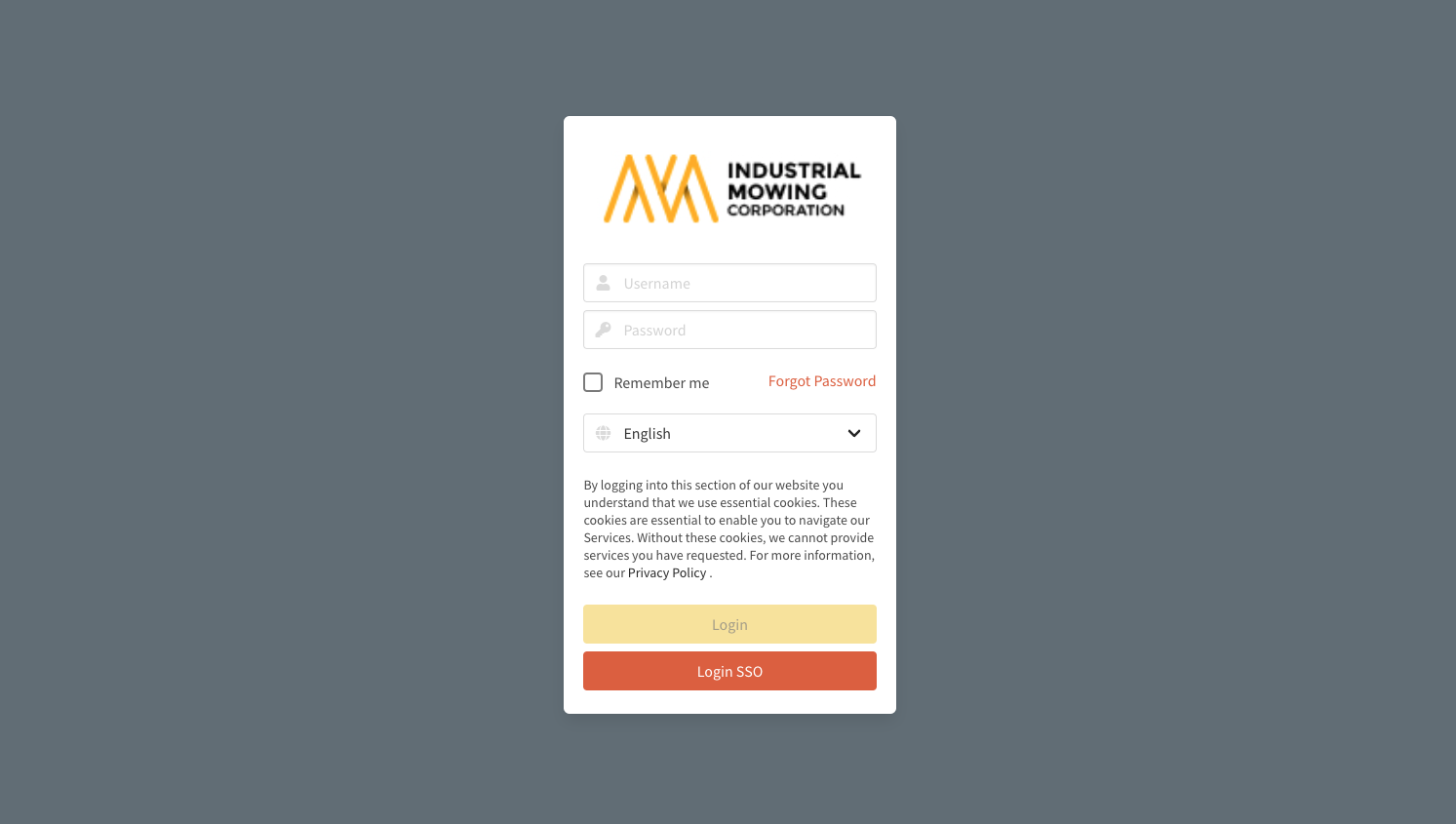
Subdomain URL Access
Each Documoto instance, referred to as a "tenant", has its own unique, subdomain URL. For the optimal user experience, it is strongly recommended to use the subdomain URL provided by the Documoto subscriber who granted you access.
To login using the subdomain URL, obtain this URL from your Documoto subscriber. This URL includes the specific "tenant key" required for accessing the particular Documoto instance.
- Subdomain URL: https://[tenantkey].app.documoto.com
For instance, if the Documoto subscriber is "IEC-MODEL", the subdomain URL would be: https://iec-model.app.documoto.com.
Primary Domain URL Access
Documoto is also accessible through the primary domain URL.
- Primary Domain URL: https://documoto.digabit.com/ui/login
To login using the primary domain URL, enter the tenant, your username, and password information into the respective fields and click Login.
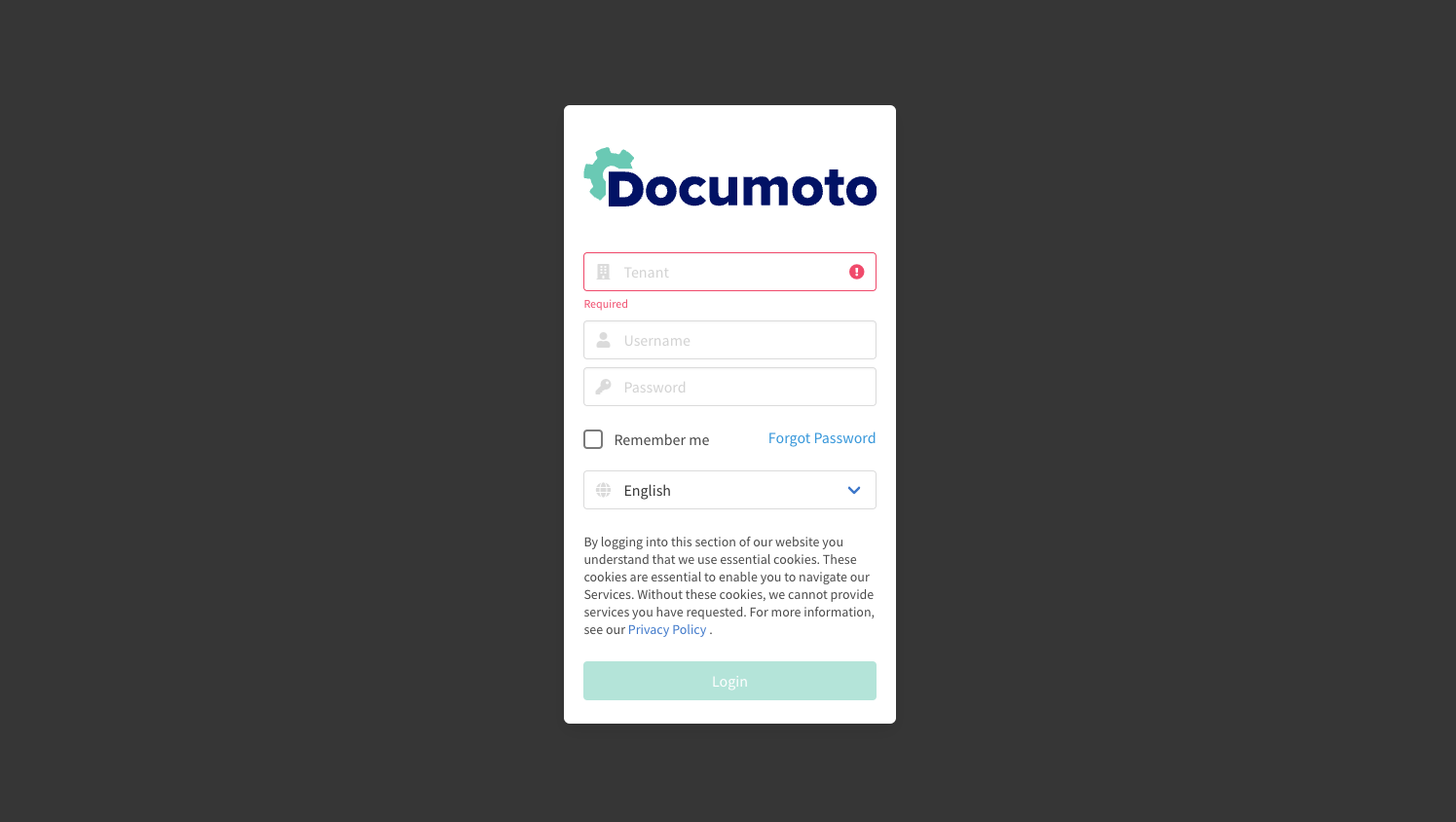
Documoto remembers and auto-generates the last-used tenant to streamline the login process for returning users. If you have access to multiple Documoto tenants, it is recommended to use the subdomain URL for the best user experience
Troubleshooting Login Issues
If you encounter issues during login, follow these troubleshooting steps:
- If using primary domain URL, verify that the entered tenant is accurate.
- Confirm that your password is correct.
- If you have forgotten your password, refer to this article for steps to reset it: How do I reset my password?
If you are still unable to log in, contact your Documoto subscriber to confirm that your user account is enabled, and your credentials (username/password) are valid.